Handling Receiving Discrepancies
On this page
The discrepancy list
Menu: Plating → Receiving → Discrepancies. This is the receiving list pre-filtered to records where Qty Match is red or condition ≠ OK.
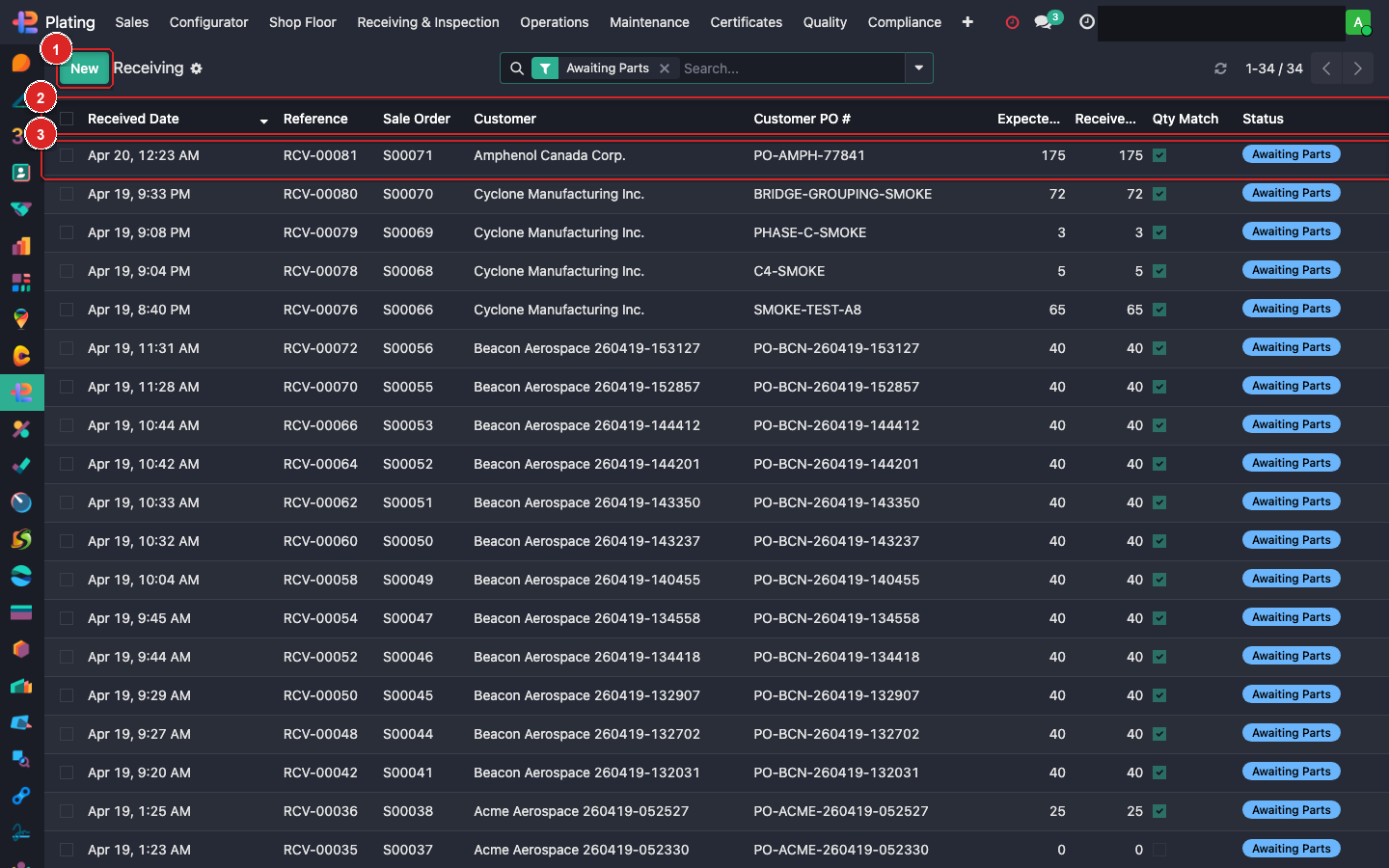
Types of discrepancies
Short count
Received Qty < Expected Qty.
- Document in the receiver's line
Notes(e.g. "received 48 of 50"). - Call the customer — is it short-ship intentional or an error?
- If intentional: update the SO line qty to match. Shop produces only 48.
- If error: ask customer to ship the balance. Leave the receiver open; log additional receipts when they arrive.
Over-count
Received Qty > Expected. Rare but happens.
- Confirm with customer (did they include spares?).
- If spares: accept all, flag in notes. Shop processes the extra at customer's expense (or free, per agreement).
- If error: hold the excess, return with next scheduled pickup.
Damage
Condition marked anything but OK.
- Document in the Damage Log tab: which pieces, approx count, photos.
- Minor damage (surface only, fixable): note + continue.
- Major damage: put the receiver on hold, notify customer, await disposition.
- Wrong part number: reject entire line, customer issue a replacement.
Missing paperwork
Parts arrived with no packing slip / PO reference.
- Treat carrier's waybill as the reference.
- Call customer, ask for paperwork retroactively.
- Don't process blindly — wrong-SO assignments are a quality issue.
Escalation path
| Issue | Who to notify |
|---|---|
| Short-ship | Estimator on the SO |
| Over-count | Estimator + shop manager |
| Minor damage | QC inspector |
| Major damage | QC + account manager |
| Missing PO | Account manager |
Documenting correctly
Every discrepancy needs:
- The receiving line's notes field updated.
- Damage Log entries with photos.
- A chatter message on the SO tagging the estimator.
- Customer notification (automated or manual email).
Partial or missing documentation = audit hit later.
What can go wrong
Discrepancy resolves itself overnight
Customer shipped the balance, or we miscounted. Open the receiver, update Received Qty, the Qty Match flips green, close.
Customer disputes the damage
The Damage Log photos are your evidence. Make sure every photo includes the part number + date in the image or filename.